
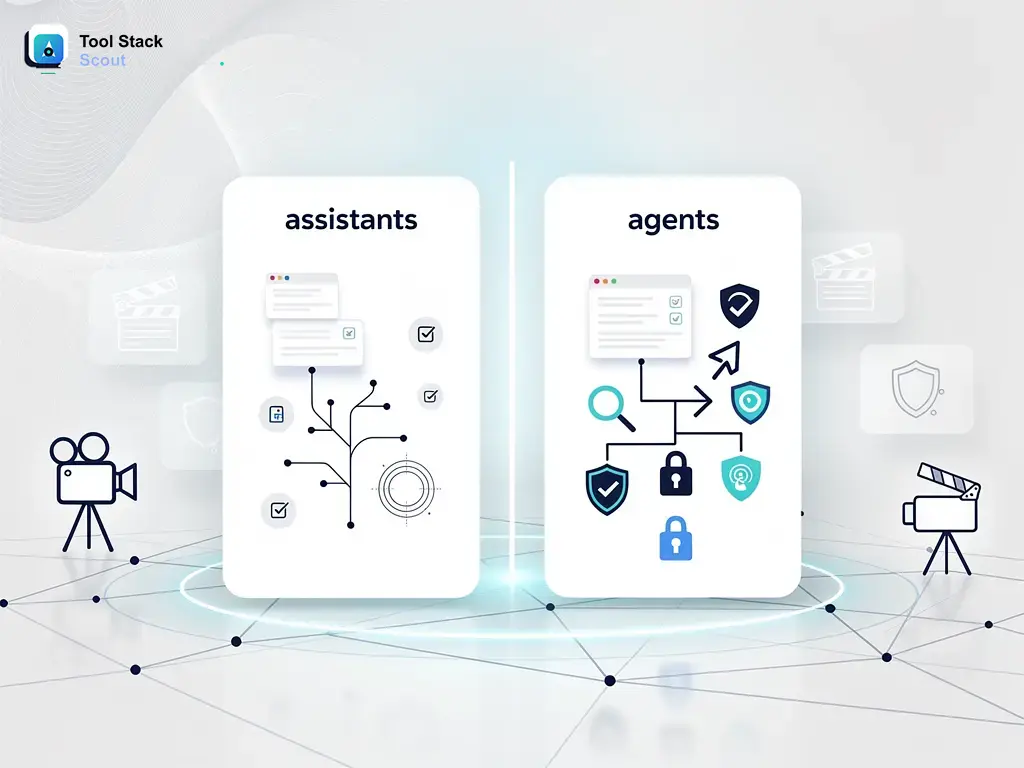
The terms AI assistant and AI agent get used interchangeably all the time, but they describe fundamentally different systems. An assistant waits for you to ask something and responds. An agent takes a goal and figures out how to reach it—often without you in the loop at every step. That gap matters a great deal when you’re deciding which tool to bring into your workflow.
This comparison breaks down how assistants and agents actually behave, where each one earns its place, and the practical decision points that should guide your choice. Whether you’re evaluating productivity tools, exploring automation options, or trying to cut through a fast-moving space, this is where to start.
Assistants Vs Agents
AI assistants respond to prompts reactively, handling one task at a time in a conversational loop. AI agents pursue a defined goal across multiple steps—using tools, browsing, executing code—with minimal input between start and finish. The right choice depends on how much autonomy your workflow actually needs.
What Separates an AI Assistant from an AI Agent
The clearest way to understand the difference is to think about who is in control. With an AI assistant, you are. You ask a question, receive a response, and decide what to do next. The assistant is always waiting for your next prompt before it acts. Conversational AI tools—from voice assistants like Siri and Alexa to chatbots like standard ChatGPT or Gemini in their basic modes—fall into this category. They are powerful responders, not independent actors.
An AI agent is designed differently. It receives a goal—say, “research these five competitors and write a structured summary”—and then works through the steps needed to achieve it on its own. That might involve browsing the web, running code, reading files, calling external APIs, and reviewing its own output before presenting anything to you. The agent decides how to sequence those steps. You define the destination; it handles the route.
This is not a marketing distinction. It reflects a genuine architectural difference in how these systems are built. Assistants optimize for conversational fluency and fast, accurate single-turn responses. Agents optimize for task completion over longer horizons, often with tool access and the ability to take real-world actions—sending requests, modifying files, or querying live data sources.
Where AI Assistants Excel
AI assistants are the right choice for the vast majority of everyday knowledge tasks. If you need a quick document summary, a draft email, an explanation of a technical concept, or a brainstorming session, an assistant will get you there faster and with less setup than any agent-based system. The conversational format is a genuine advantage here. You can say “make it shorter,” “change the tone,” or “give me three alternatives,” and the system responds immediately. This back-and-forth control is something agents are not optimized for—they are designed to run with minimal interruption, not to be redirected mid-task.
For teams new to AI tooling, assistants also carry a much lower learning curve. Most run through a simple chat interface with no configuration required. Because assistants stay conversational, they are well suited to roles where context shifts frequently—writing, research, customer communication, and general knowledge retrieval. If you want to see how two of the most widely used assistant products actually compare in practice, our breakdown of gemini vs google assistant covers real-world performance differences in detail.
Where AI Agents Pull Ahead
Agents earn their place when the task is complex, multi-step, or when the cost of your time exceeds the cost of setup. A task like “check my project tracker for overdue items, pull the relevant context, draft status updates, and flag blockers” involves decision-making, context-switching, and action-taking that an assistant cannot handle in a single pass. An agent can work through those steps sequentially, calling the right tools at each stage.
The business use cases are substantial. Developers use coding agents to scaffold projects, run tests, and iterate on the output without rewriting prompts from scratch. Researchers use them to pull data from multiple sources, cross-reference findings, and produce structured outputs. Operations teams are beginning to deploy agents for data pipeline management, automated reporting, and workflow orchestration. In each case, the agent absorbs the coordination work that would otherwise fall on a person.
One caveat worth taking seriously: agents introduce new risks alongside new capabilities. An agent that can send emails, modify files, or execute code can also make mistakes that are harder to reverse than a poorly worded response from an assistant. Human-in-the-loop controls, approval checkpoints, and clearly defined scope boundaries are not optional when deploying agents in any sensitive or production environment.
Understanding the Criteria Before You Choose
Comparing assistants and agents fairly requires looking beyond surface-level features. The relevant criteria are not about which one has more capabilities in a general sense—agents almost always do—but about which capabilities matter for the work you actually do. Task complexity, required autonomy level, setup tolerance, error sensitivity, and cost per outcome are all factors that shift the calculus significantly depending on the user.
Consider that a solo professional handling daily writing and research needs will have a completely different cost-benefit profile than an engineering team building an automated data workflow. The same is true at the individual feature level: persistent memory, tool integrations, and multi-agent coordination matter enormously to one type of user and not at all to another. The table below reflects that nuance directly.
| Criteria | Assistants | Agents | Quick verdict |
|---|---|---|---|
| Best for | Individuals and teams who need fast, reactive help with writing, Q&A, summarization, and everyday conversational tasks | Developers, researchers, and operations teams running multi-step research, coding, data processing, or automation workflows | Assistants suit everyday reactive work; agents suit anyone who needs a system to run complex tasks end-to-end |
| Core use case | Answering questions, drafting content, summarizing documents, brainstorming, and handling on-demand conversational requests | Web research, code generation and execution, automated pipelines, file management, and long-horizon goal completion with tool use | Single-turn reactive tasks → assistant. Multi-step autonomous execution → agent |
| Strengths | Fast responses, minimal setup, low learning curve, strong language fluency, and broad availability across devices and platforms | Autonomy, deep tool integration, ability to plan and iterate, handle complex workflows, and operate with minimal supervision over time | Assistants win on accessibility and ease; agents win on task depth and execution complexity |
| Limitations | Require constant prompting to move forward, cannot take independent action, limited cross-session memory, and not suited for multi-step execution | Higher setup complexity, greater cost on usage-based pricing, unpredictable in edge cases, and require careful guardrails for sensitive workflows | Main risk with agents: unexpected actions without proper human-in-the-loop controls in place |
| Best decision rule | When you need fast, conversational help and want to stay in control of every individual step in the process | When you want to hand off a defined goal and have the system determine and execute the steps needed to complete it | Control and responsiveness → assistant. Automation and task delegation → agent |
Limitations Worth Understanding on Both Sides
Neither assistants nor agents are universally superior tools. Assistants struggle the moment a task requires more than a few sequential steps or any autonomous real-world action. They can tell you how to complete a process, but they cannot complete it for you. They also lack persistent memory across sessions in most standard implementations, which means you are often re-establishing context from scratch each time you open a new conversation.
Agents are not plug-and-play solutions either. Setting up an effective agent workflow requires writing goal-oriented prompts rather than conversational ones, configuring tool access appropriately, and defining what a successful outcome looks like before the agent starts. Getting this wrong can produce agents that loop, produce incorrect outputs, or take actions that fall outside the intended scope. Cost is also a real consideration—agent tasks that require many sequential model calls can accumulate charges quickly on usage-based pricing plans, particularly when a task requires multiple rounds of iteration before it completes correctly.
The practical takeaway is that most users will benefit from using both, at different points in their work. An assistant handles daily Q&A, drafting, and exploratory research. An agent handles specific, well-defined automation tasks where the setup investment pays off in saved time and reduced repetition over multiple runs.
How to Make the Right Call
The practical decision is straightforward once you frame it correctly. Ask yourself: do I need a response, or do I need a result? If you need a response—an answer, a draft, a recommendation—an assistant is the right tool. If you need a result—a completed task, a finished workflow, an automated process that runs with minimal ongoing effort—an agent is what you’re looking for.
A second useful filter is supervision tolerance. How comfortable are you handing off control between steps? If you want to review and approve before anything happens, an assistant keeps you in that position naturally. If you’re willing to set clear parameters and let a system run, an agent will serve you better. Some platforms now offer hybrid modes—agent-level autonomy paired with defined checkpoint approval steps—which can serve as a practical middle ground for higher-stakes workflows where full autonomy feels premature.
For a broader look at where these tools fit within the current AI landscape, the AI tools category at Tool Stack Scout covers assistants, agents, and the growing range of products that combine elements of both.
Final Take
Assistants and agents are not competing products—they are different tools for different jobs. Assistants are faster to start, easier to direct, and better suited for the conversational, reactive work that fills most people’s days. Agents are more capable over longer tasks, more autonomous by design, and better suited for complex workflows where trading setup time for execution time makes operational sense.
The confusion between them is understandable. Many platforms now blur the line by layering agent-like features onto assistant interfaces, and marketing language rarely helps clarify the distinction. Focus on what the task actually requires—reactive help or autonomous execution—and the right choice tends to become clear quickly. If the answer is still uncertain, start with an assistant. You can always move to an agent once you know exactly what you need it to do.