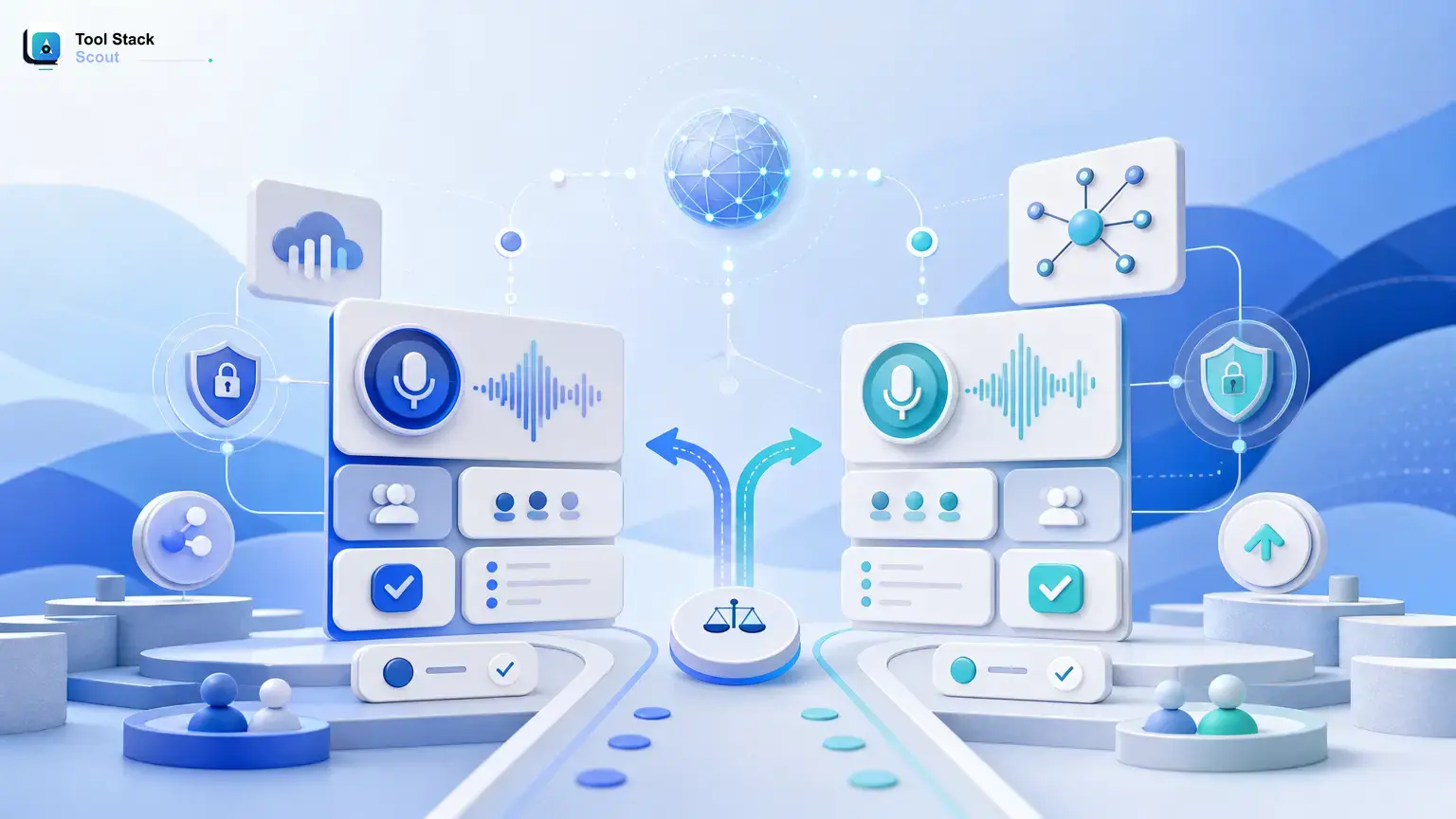
If you want the short answer on otter ai vs fathom, start here: choose Otter AI if your team cares most about searchable transcripts, shared meeting notes, and a running record of conversations across many calls. Choose Fathom if you want faster post-meeting recaps, stronger video-based context, and an easier handoff from meeting to action.
For most buyers, this is not really a “which tool has more features” decision. It is a workflow decision. Otter AI tends to fit teams that treat meetings like a knowledge base. Fathom tends to fit teams that treat meetings like a source of highlights, clips, follow-ups, and immediate next steps. At Tool Stack Scout, that is the simplest way to frame the choice before you compare the details.
Otter Ai Vs Fathom
Otter AI is usually the better pick for transcript-heavy team workflows, while Fathom is usually better for quick recaps, coaching, and reviewing online meetings with fuller context and less post-call cleanup.
Quick verdict: is Otter AI or Fathom better?
Fathom is the better choice for many meeting-heavy professionals who want speed. It is especially appealing for sales calls, recruiting interviews, customer success check-ins, and founder meetings where the real value comes from fast summaries, clear action items, and being able to revisit key moments with video context.
Otter AI is the better choice for teams that need continuity. If your meetings generate a lot of information and you want a stable place to search, review, organize, and share transcripts over time, Otter AI often feels more like a long-term meeting memory system than a simple note taker.
If you are still undecided, use this rule: think about the meeting type you have most often. Repetitive internal syncs, cross-functional updates, and documentation-heavy discussions usually point toward Otter AI. Client-facing calls, demos, interviews, and coaching conversations usually point toward Fathom.
What are Otter AI and Fathom?
Otter AI and Fathom are both AI meeting assistants, but they are built around different habits.
Otter AI is best understood as a transcription-first workspace. Its appeal is straightforward: capture what was said, label speakers as well as possible, make the transcript searchable, and give teams a shared record they can return to later. That makes it attractive for managers, operations teams, researchers, and internal stakeholders who need meeting information to stay accessible after the call ends.
Fathom is better understood as a meeting recap and context tool. It is popular with people who want a polished after-meeting package quickly: summary, key moments, action items, and the ability to review not just the words but the meeting flow itself. That makes it a natural fit for sales, customer success, recruiting, consulting, and solo operators who want to move from conversation to follow-up without much cleanup.
If you are exploring more otter ai competitors, this pairing stands out because both tools solve the same broad problem, but they emphasize different parts of the meeting workflow.
Otter AI vs Fathom: how the comparison really works
People searching for otter ai vs fathom are usually trying to answer one practical question: which tool will feel better in actual meetings next week, not which product has the longest feature page. The most useful way to compare them is by looking at what happens during the meeting, what you get after the meeting, and how easy it is to turn that output into real work.
That means the important criteria are not just transcript quality. You also need to weigh AI summaries, speaker separation, video or audio context, integrations with Zoom, Google Meet, or Microsoft Teams, collaboration options, export flexibility, and language support. Those are the factors that most often shape satisfaction after the first few meetings.
| Criteria | Otter Ai | Fathom | Quick verdict |
|---|---|---|---|
| Best for | Teams that need searchable transcripts, shared meeting notes, and a dependable record across recurring internal or cross-functional meetings | Professionals who need quick recaps, highlights, and easy follow-up from sales calls, client meetings, interviews, or coaching sessions | Choose Otter AI for meeting memory; choose Fathom for meeting momentum |
| Core use case | Capturing conversations, organizing transcripts, reviewing what was said, and collaborating on notes later | Summarizing calls fast, pulling out action items, revisiting key moments, and sharing takeaways with less manual work | Otter AI is more archive-oriented; Fathom is more action-oriented |
| Strengths | Strong transcript-centric workflow, searchable history, collaborative note use, and broad appeal for documentation-heavy teams | Fast recap experience, useful meeting highlights, richer call context, and a smoother fit for customer-facing workflows | Otter AI wins on transcript workflow; Fathom wins on post-call usability |
| Limitations | Can feel more text-heavy if you mainly want concise outcomes instead of full records | May feel less ideal if your priority is building a long-term transcript repository for many stakeholders | Check whether you need durable records or faster takeaways before choosing |
| Best decision rule | Choose Otter AI when your team regularly searches old meetings, shares notes internally, or depends on transcript continuity | Choose Fathom when you care more about immediate summaries, clips, follow-ups, and the full context of live online calls | For most client-facing teams, Fathom is easier to love quickly; for knowledge-heavy teams, Otter AI is safer long term |
Detailed comparison: the criteria that matter most
Transcript accuracy and speaker identification
Otter AI has long been associated with the transcript itself being the center of the product. That matters if your team regularly searches for exact wording, reviews meeting details later, or needs a durable written record for decisions, interviews, or project discussions. In that kind of environment, a transcript-first interface can feel more practical than a recap-first one.
Fathom also handles transcription, but many users are drawn to it less for the raw transcript and more for what it does after the transcript is captured. If your workflow rarely involves digging through full text and more often involves understanding the key points of a conversation, Fathom’s transcript may feel good enough because the surrounding experience does more work for you. If you want a broader benchmark for transcript-first options, see this guide to the best Otter AI alternative for transcription.
Takeaway: if transcript depth and later search matter most, Otter AI has the clearer fit. If transcript quality matters mainly as the foundation for good recaps, Fathom may be the more efficient choice.
AI summaries, highlights, and action items
This is where the gap often becomes more obvious. Fathom is usually the easier tool for people who want a clean summary package immediately after a call. In practice, that matters a lot for sales reps sending follow-ups, recruiters reviewing interviews, founders recapping partner calls, or consultants turning a conversation into next actions.
Otter AI can also help summarize discussions, but the experience tends to make more sense for teams that still want the transcript to remain central. If your summary is mostly a shortcut into a larger meeting record, that works well. If your summary is the main deliverable, Fathom often feels more aligned with that goal. Buyers who are still comparing recap-focused tools often also look at meeting notes apps like Otter before deciding.
Takeaway: if your question after a meeting is “what do I do next,” Fathom usually wins. If your question is “what exactly did we cover,” Otter AI often feels stronger.
Video and audio context
One of the biggest practical differences in otter ai vs fathom is whether you want meeting output to stay mostly text-based or whether you want richer context around the call. Fathom tends to be more appealing when the visual side of a meeting matters: tone, delivery, key moments, and the ability to revisit a segment instead of reading a block of text.
Otter AI is often better if you do not need that layer as much and would rather keep the workflow lightweight, text-first, and easy to scan. For internal team environments, that can actually be a strength. Not every organization wants every meeting to become a video review workflow. If Fireflies is also on your shortlist, this Fireflies AI vs Otter AI breakdown helps clarify where transcript and context trade-offs shift.
Takeaway: choose Fathom if meeting context matters almost as much as the words. Choose Otter AI if a searchable text record is the real asset.
Meeting experience and post-meeting workflow
The day-to-day feel of these tools matters more than many comparison pages admit. Otter AI is often more comfortable for teams that treat meetings as part of operations, documentation, or knowledge management. The value compounds over time because the archive becomes useful.
Fathom often feels better right away because it reduces post-call cleanup. That is why it tends to stand out in fast-moving roles where the meeting is only one step in a larger workflow. The notes are not just stored; they are pushed toward action, recap, and communication.
Takeaway: Otter AI supports long-term recall; Fathom supports short-term execution.
Integrations, collaboration, export, and language support
Both tools are commonly considered by teams using major online meeting platforms, but this is also where cautious checking matters. Support can vary by account type, product updates, workspace setup, and the exact workflow you need. If your team depends on a specific CRM, documentation system, export format, or meeting platform behavior, this can outweigh almost every other comparison point.
Otter AI often makes sense when collaboration around notes is central. Fathom often makes sense when the priority is getting polished output from a meeting into follow-up systems or sharing the most important moments quickly. Language support and export flexibility can also become deciding factors for distributed teams, so this is a practical area to verify before rollout.
Takeaway: do not choose based on headline features alone. Choose based on the tools your team already uses and whether you need transcript collaboration or post-meeting distribution more.
Pros and cons of each tool
Otter AI pros
- Works well for transcript-heavy workflows and meeting archives.
- Feels natural for internal teams that revisit notes later.
- Supports shared understanding across recurring meetings.
- Usually easier to justify when documentation is part of the job.
Otter AI cons
- Can feel too text-centric if your team mainly wants concise takeaways.
- May require more review if you prefer polished recaps over raw records.
- Less compelling when video context is important to your workflow.
Fathom pros
- Fast, easy-to-consume summaries after meetings.
- Strong fit for client-facing conversations and follow-up workflows.
- Useful when highlights and context matter more than full transcript review.
- Often easier for solo operators and revenue teams to adopt quickly.
Fathom cons
- May be less ideal if your main goal is building a long-term transcript library.
- Could feel less optimized for teams that need text records to do the heavy lifting.
- Some buyers may find the workflow more meeting-output focused than archive focused.
Practical takeaway: Otter AI is stronger when notes are the asset. Fathom is stronger when outcomes are the asset.
Otter AI vs Fathom for different use cases
Sales calls and demo calls
Fathom is usually the better fit here. Sales and demo workflows benefit from quick summaries, highlights, objections, action items, and easy recap sharing. Teams in these environments rarely want to read every word after each call. They want the important parts surfaced fast.
Best pick: Fathom.
Internal team meetings
Otter AI often makes more sense for internal standups, planning sessions, project reviews, and cross-functional meetings. In those settings, the transcript itself often becomes the record of what was decided, what changed, and what needs follow-up later.
Best pick: Otter AI.
Freelancers and solo operators
This depends on whether you are mostly managing client work or managing knowledge. If you run many client conversations and need quick recaps, Fathom is usually more practical. If you are a researcher, writer, consultant, or operator who interviews people and needs a searchable record across many conversations, Otter AI may serve you better.
Best pick: Fathom for speed, Otter AI for archive value.
Managers and teams that share notes frequently
Otter AI usually has the edge for teams that want meeting notes to live beyond one person’s inbox. If multiple stakeholders need to search, review, and align on what happened, the transcript-centered model is easier to scale across recurring meetings.
Best pick: Otter AI.
Recruiters, coaches, and customer success teams
Fathom often stands out because these roles depend heavily on reviewing important moments, sharing recaps, and turning conversations into follow-up actions. Context and speed matter a lot more than maintaining a perfect transcript repository.
Best pick: Fathom.
Questions to answer before you choose
Before you commit to either tool, ask yourself these three questions.
- Do you care more about transcript search or about recap speed? If it is the first, lean Otter AI. If it is the second, lean Fathom.
- Are you choosing for yourself or for a team? Solo users often gravitate toward the fastest post-meeting workflow. Teams often need shared records, consistency, and searchable history. If budget is part of that decision, compare a few Otter AI free alternatives before locking in a paid workflow.
- Do you revisit meetings to remember, or to act? Remembering usually points to Otter AI. Acting usually points to Fathom.
If you are still researching tools in the broader AI Tools category, keep that same decision frame: archive-first versus action-first. It is one of the fastest ways to narrow down meeting assistants without getting lost in feature lists.
Final verdict: who should use Otter AI, and who should use Fathom?
Choose Otter AI if your team needs a searchable meeting memory system. It is the better fit when transcripts are not just reference material but part of how your organization documents work, shares knowledge, and keeps continuity across meetings.
Choose Fathom if your meetings need to turn into action quickly. It is the better fit for people who value concise summaries, highlights, and context-rich review more than maintaining a deep transcript archive.
If you want one clear decision rule instead of a tie, use this: pick Fathom for faster value after each meeting, and pick Otter AI for stronger value across many meetings. For many client-facing individuals and small fast-moving teams, Fathom is the easier recommendation. For organizations that need durable notes and searchable history, Otter AI is the safer one.
FAQ
Is there anything better than Otter AI?
Yes, depending on your workflow. If you want faster post-call summaries and richer meeting context, Fathom may feel better than Otter AI. If you want transcript continuity and a searchable archive, Otter AI can still be the stronger option.
Is Fathom the best AI note taker?
It can be one of the best fits for recap-driven workflows, especially in sales, recruiting, and customer-facing roles. But it is not automatically best for every team. If your organization depends on transcripts as shared documentation, Otter AI may be more useful.
What are the main disadvantages of Otter AI?
The main trade-off is that it can feel more transcript-heavy than some users want. If your ideal workflow is “finish meeting, get clean recap, move on,” Otter AI may feel less streamlined than Fathom.
In otter ai vs fathom, which tool is better for a smaller team?
Smaller client-facing teams often prefer Fathom because it gets them to follow-up faster. Smaller internal or operations-heavy teams may prefer Otter AI because the notes become a shared source of truth.