

If you want the short answer on fireflies ai vs otter ai, start with this: Fireflies AI usually makes more sense for teams that want meetings to feed broader workflows, especially when integrations, CRM handoff, and post-meeting follow-up matter. Otter AI is often the easier fit for individuals or small teams that mainly want clear transcripts, readable summaries, and a simple searchable record of conversations.
That does not make one tool the winner for everyone. The better choice depends on what needs to happen after the meeting ends. For a broader overview, read our Otter AI alternatives guide. If your main goal is to capture what was said and find it later, Otter AI often feels more direct. If your goal is to turn meetings into tasks, records, and downstream actions across your stack, Fireflies AI often has the stronger case. At Tool Stack Scout, that is the decision rule worth using before you compare anything else.
Fireflies AI vs Otter AI
Fireflies AI is usually the better pick when meeting notes need to connect to team workflows and follow-up systems, while Otter AI is often the better pick when you want straightforward transcription, summaries, and a searchable archive with less setup.
Quick answer: where Fireflies AI and Otter AI differ most
The biggest difference in this Fireflies AI vs Otter AI comparison is not just transcript quality. It is product focus. Fireflies AI feels more like a meeting capture layer that plugs into the rest of your work. Otter AI feels more like a transcription and note workspace built around understanding conversations quickly.
In practice, that changes who each tool serves best. A sales or customer-facing team may care less about how polished the transcript looks and more about whether action items, call notes, and customer context move into the right systems. A manager, consultant, student, or solo operator may care more about opening one app, scanning the summary, and searching past conversations without much setup.
If you are deciding fast, use this shortcut: pick Otter AI if you want the simpler day-to-day note experience, and pick Fireflies AI if you want meeting data to travel further across your workflow.
Fireflies AI vs Otter AI: comparing the core meeting experience
Most people searching for Fireflies AI vs Otter AI are really asking a practical question: which tool helps me get useful notes from meetings with the least friction? That usually comes down to four things: transcript readability, summary quality, action-item capture, and how easy it is to find something later.
Transcription and transcript readability
Both tools are built around automated meeting transcription, and both aim to reduce manual note-taking. In real use, though, there is a difference between a transcript that is technically complete and one that is easy to work with. Otter AI often appeals to users who want a cleaner, more immediately readable transcript experience for internal calls, interviews, classes, or one-on-one meetings.
Fireflies AI can still handle the core capture job for many teams, but its value often shows up more clearly when the transcript is a starting point for follow-up workflows rather than the final output. If your team rarely rereads transcripts but frequently extracts decisions, tasks, and next steps, that difference matters.
AI summaries and action items
This is where the trade-off becomes clearer. Otter AI is often favored by users who want quick summaries they can skim without much setup. That makes it appealing for busy professionals, researchers, and managers who mainly need the gist of a conversation fast.
Fireflies AI tends to be more compelling when your team treats summaries as operational inputs. If a customer call should produce a follow-up sequence, CRM note, or internal handoff task, Fireflies AI often feels more aligned with that workflow. The summary is not just for reading; it is for moving work forward.
Search and knowledge retrieval
Search matters more than many buyers expect. If your organization records a high volume of recurring meetings, the real value is often in turning those conversations into a searchable archive. Otter AI is often a strong fit when the goal is to find the quote, decision, promise, or explanation from a past meeting. It tends to match users who think in terms of recall and review.
Fireflies AI also supports searchable meeting knowledge, but its differentiation often appears when teams need those records to be shared, routed, and reused across tools. Otter AI can feel more like a conversation library, while Fireflies AI can feel more like a meeting operations layer.
The practical takeaway is simple: if your main need is to read, search, and remember meetings, Otter AI often has the cleaner value proposition. If your main need is to operationalize meetings, Fireflies AI usually has the stronger story.
| Criteria | Fireflies Ai | Otter Ai | Quick verdict |
|---|---|---|---|
| Best for | Teams that want meeting notes tied to workflows, client follow-up, shared records, and broader tool integrations rather than just standalone transcripts. | Individuals and small teams that want easy transcription, readable summaries, and a searchable archive for routine meetings, interviews, or study sessions. | Choose Fireflies AI for workflow-heavy team use; choose Otter AI for simpler note capture and review. |
| Core use case | Capturing meetings, extracting notes and action items, and pushing outcomes into broader business processes. | Recording conversations, reviewing transcripts quickly, and finding key moments later without much setup. | Fireflies AI is more process-oriented; Otter AI is more transcript-oriented. |
| Strengths | Good fit for collaboration across teams, post-meeting automation, and operational handoff from calls to next steps. | Easy to understand, quick to adopt, and often more intuitive for users focused on reading summaries and searching conversation history. | Fireflies AI is stronger for workflow depth; Otter AI is stronger for simplicity and fast usability. |
| Limitations | May feel like more tool than you need if you only want personal notes and basic transcript review. | May feel less flexible if your team depends on deeper integration, CRM sync, or structured post-meeting automation. | The main risk is choosing for unused features or overlooking the workflow depth you will need later. |
| Best decision rule | Choose Fireflies AI when meetings need to feed sales, customer success, operations, or multi-tool team workflows. | Choose Otter AI when your top priority is clear meeting notes, easy search, and low-friction adoption. | If meetings are mainly for recall, pick Otter AI; if meetings drive downstream work, pick Fireflies AI. |
Collaboration and rollout for teams
For solo use, either platform may seem close enough at first. The gap often widens once you roll the tool out to a team. Team adoption depends less on headline AI features and more on whether people can share notes, trust the output, and fit the tool into existing routines.
Otter AI often makes sense for teams that want a lighter collaboration layer. Team members can review notes, search past meetings, and align on what happened without needing much process design. This works well for internal operations, recurring syncs, project discussions, and environments where the main goal is shared visibility.
Fireflies AI often makes more sense when team collaboration is tied to accountability. A manager may want calls captured consistently, summaries distributed quickly, and action items routed to the right owners. In those cases, the meeting tool is not just a shared notebook. It becomes part of the operating system for customer conversations or cross-functional work.
A useful way to decide is to ask what failure looks like. If failure means you forgot what was said, Otter AI is often enough. If failure means the right follow-up never happened, Fireflies AI may be the safer fit.
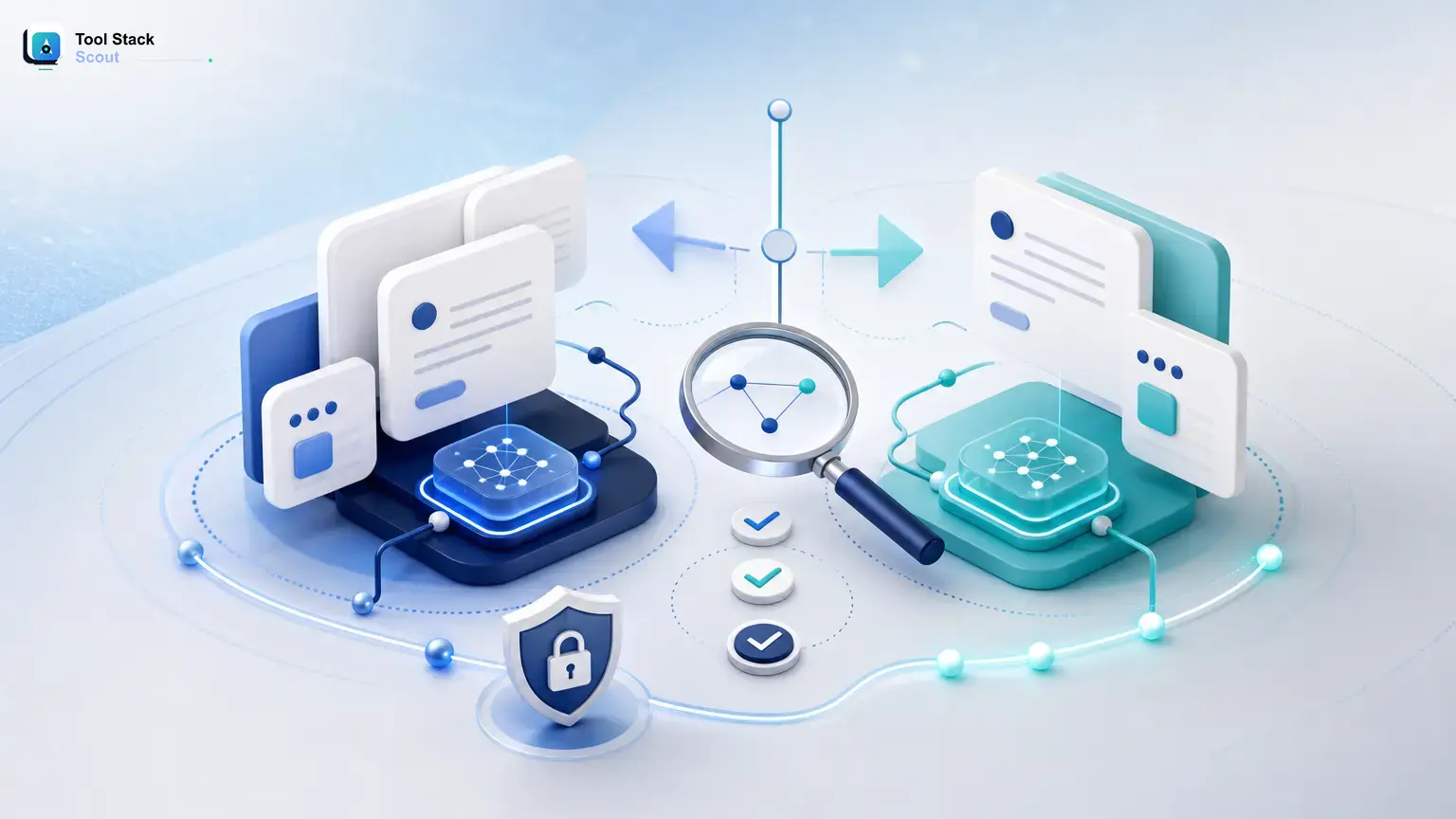
Ecosystem fit: calendar, meetings, CRM, and automation
Integrations are one of the most important buying factors in Fireflies AI vs Otter AI, especially for business users. Many buyers start by comparing summaries, then realize the real difference is what the tool can do with those summaries once a call ends.
Calendar and meeting platform fit
Both tools are designed around common meeting workflows and are usually judged on how well they join, record, and organize calls. For many users, that baseline will be sufficient either way. The more useful question is how hands-off the experience feels after setup and whether your team is comfortable with bot-assisted meeting capture for recurring calls.
If your meetings are mostly internal and repetitive, a simple record, summarize, and search loop may be all you need. That tends to favor Otter AI. If your meetings span sales demos, onboarding calls, account reviews, and handoff sessions that need standardized outputs, Fireflies AI often becomes more attractive.
CRM sync and post-meeting workflows
This is one of the clearest dividing lines. Fireflies AI is often the stronger candidate for sales, customer success, and revenue teams because those teams usually need meeting outputs to move into other systems. Notes are useful, but synced context is often more valuable than another transcript sitting in a library.
Otter AI can still be useful in customer-facing work, especially if reps mainly want a clean record of the conversation. But if your workflow depends on structured handoff, automation, or broader operational integration, Fireflies AI usually has the better argument.
Takeaway: if integrations are a nice extra, compare usability first. If integrations are the reason you are shopping, Fireflies AI deserves closer attention.
Pricing and plans: how to compare them fairly
Pricing comparisons often go wrong because buyers focus on the plan name instead of the limits that shape real usage. Since pricing, packaging, and feature access can change, the fairest way to compare Fireflies AI vs Otter AI is to look at your workflow rather than chase a single number.
What to check when comparing plans
- How much meeting time you record in a normal month
- Whether advanced summaries, exports, or integrations sit behind higher tiers
- How many people need direct access versus how many only need shared outputs
- Whether storage, search history, admin controls, or permissions matter for your use case
- Whether a free plan is realistic for ongoing use or mainly useful for testing
For individuals, a free or lower-tier plan may be enough if you only need occasional transcription and basic meeting review. For teams, the true cost usually appears when multiple users need shared access, longer history, or workflow features that turn captured conversations into usable records.
The decision rule here is simple: do not compare plan labels alone. Compare the first usage limit or missing feature that would force your team to upgrade.
Pros and cons of each tool
Fireflies AI: strengths
- Often a better fit for teams that want meetings to trigger follow-up work
- Usually more compelling when CRM sync, handoff, and operational workflows matter
- Can make more sense for sales, customer success, and cross-functional coordination
Fireflies AI: limitations
- May feel like more platform than you need if you only want transcripts and summaries
- Its value is less obvious when your workflow stops at reading the meeting notes
- Some buyers may end up paying for workflow potential they do not actually use
Otter AI: strengths
- Often easier to recommend to users who want a direct path from conversation to readable notes
- Usually simpler to adopt for internal meetings, interviews, research, and personal review
- Strong fit when clarity, search, and low-friction usage matter more than automation depth
Otter AI: limitations
- May feel narrower if your team later needs deeper workflow integration
- Can be a weaker fit when meetings must feed structured downstream systems
- Less compelling if your main buying goal is process automation rather than transcript access
Short version: Fireflies AI has the stronger business-process angle, while Otter AI has the stronger simplicity angle.
Should you choose Fireflies AI or Otter AI?
Here is the clearest verdict by use case, which is where this comparison becomes more useful than a generic feature list.
For individuals, freelancers, and managers who want simplicity
Choose Otter AI if your top priority is capturing meetings, reviewing summaries quickly, and searching conversation history without building a larger process around it. It is usually the safer pick when usability matters more than automation.
For internal team meetings and searchable archives
Choose Otter AI if most of your meetings are internal and your main goal is a reliable archive for project history, one-on-ones, recurring syncs, and decision recall. This is the stronger choice when the meeting record itself is the product.
For operations leaders and managers standardizing follow-up
Choose Fireflies AI if your team needs consistent capture, shared accountability, and a clearer path from meeting discussion to next-step execution. This is where workflow fit matters more than transcript polish.
For sales and customer success teams that need CRM alignment
Choose Fireflies AI if your buying criteria include CRM sync, structured handoff, or repeatable post-call processes. This is one of the less ambiguous parts of the Fireflies AI vs Otter AI decision.
Final decision rule: choose Otter AI if you want the best chance at fast adoption and straightforward meeting notes. Choose Fireflies AI if you want meetings to become part of a larger execution workflow.
FAQ
Is Otter AI better than Fireflies AI?
Otter AI is better for some users, especially individuals and small teams that care most about readable transcripts, quick summaries, and easy search. It is not automatically better for workflow-heavy teams that need stronger post-meeting automation and system handoff.
Is Fireflies.ai really free?
Fireflies AI may offer a way to try the product, but what free access includes can change over time. The more useful question is whether that access covers your real needs, such as recording volume, history, integrations, or collaboration features.
Is there anything better than Otter AI?
Yes, several tools offer strong alternatives. Our Otter.ai competitors breakdown covers the top options.
That depends on the workflow. Fireflies AI may be a better fit if meetings need to move into broader team processes instead of staying as notes. The right benchmark is not better overall, but better for how your team works.
Which is better for sales teams: Fireflies AI or Otter AI?
Fireflies AI is often the stronger option for sales teams, especially when CRM sync, follow-up workflows, and repeatable documentation matter more than simple transcript review.
Which is easier for beginners?
Otter AI is often easier for beginners because the value is immediate: record, read, summarize, and search. Fireflies AI can be just as useful, but its full value tends to show up more clearly in teams with more defined workflows.
Bottom line
For a more detailed look at what each alternative offers, check our best Otter AI alternative for transcription guide.
In this Fireflies AI vs Otter AI comparison, the choice is clearer when you focus on workflow instead of feature lists. If you want a simpler tool for capturing, reading, and searching meeting notes, Otter AI is the better default recommendation. If you want meetings to feed broader business workflows, customer systems, and team follow-through, Fireflies AI is the better strategic pick.
If you are still unsure, run a short trial using your real meeting types and score each tool on transcript readability, summary usefulness, search speed, collaboration fit, and whether outputs actually get reused after the call. That kind of checklist usually leads to a better decision than comparing headline features alone.