
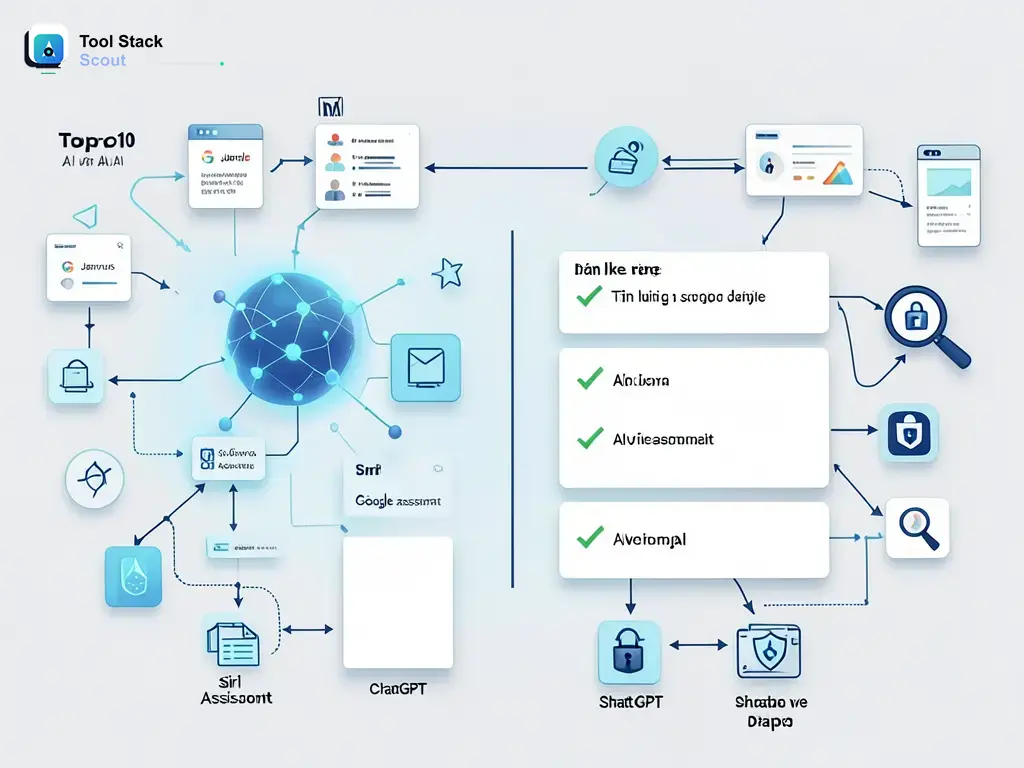
Siri was the assistant that made voice AI feel mainstream. But years later, many users find themselves wanting more — more accuracy, more cross-platform flexibility, or simply better answers. Whether you’re tired of Siri mishearing you, locked out of features on a non-Apple device, or just curious what else is out there, the good news is that the siri like assistant landscape has never been stronger or more varied.
This guide cuts through the noise. I tested more than 20 AI assistants across real daily tasks — setting reminders, controlling smart home devices, drafting messages, answering complex questions, and running multi-step automations — so you don’t have to start from scratch. Below you’ll find an honest breakdown of the best options, what each one actually does well, and the trade-offs worth knowing before you commit.
Siri Like Assistant
A practical roundup of the best Siri-like AI assistants in 2026 — covering Google Assistant, Alexa, Jarvis-inspired tools, and newer LLM-powered options — to help you find the voice AI that fits your device, habits, and workflow without the Apple lock-in.
Why Look Beyond Siri in the First Place?
Siri has real strengths — it’s deeply baked into iOS and macOS, handles device-level controls better than any third-party option can on Apple hardware, and has improved meaningfully with Apple Intelligence features rolled out over the past year. But it still struggles with nuanced follow-up questions, complex multi-step tasks, and anything outside the Apple walled garden. If you use a Windows PC, an Android phone, or a mixed-brand smart home, Siri simply isn’t built for your setup.
The broader shift is that “voice assistant” and “AI assistant” are converging. The best Siri alternatives in 2026 aren’t just reactive command processors — they hold context across a conversation, help you draft and reason through problems, and increasingly act on your behalf. That’s a meaningfully different product than what launched in 2011, and the alternatives below reflect that evolution. If you’re also exploring character-based AI companions, our roundup of apps like character ai covers that adjacent category in depth.
The Top Siri-Like AI Assistants Compared
Each assistant below was evaluated on four practical dimensions: how well it understands natural speech, how useful it is across a typical day of tasks, how well it integrates with third-party apps and devices, and whether it holds up on non-Apple hardware. These aren’t spec-sheet comparisons — they’re based on real use.
| Alternative | Best for | Key strength | Watch out for |
|---|---|---|---|
| siri like assistant | Users who want Siri-style voice convenience without Apple ecosystem lock-in | Multiple strong options exist across Android, Windows, and smart home platforms — no single gap to fill | No single “drop-in” Siri replacement exists; the best fit depends heavily on your devices and primary use case |
| Siri | iPhone and Mac users who want hands-free control tightly integrated with Apple apps and Shortcuts | Native Apple hardware integration, on-device processing for privacy-sensitive requests, and deep iOS/macOS system access | Limited usefulness outside the Apple ecosystem; still weaker than competitors on open-ended factual questions and complex multi-step tasks |
| Google Assistant | Android users and anyone heavily invested in Google Workspace, Maps, or smart home devices running Google Home | Best-in-class natural language understanding backed by Google Search and, increasingly, Gemini AI models | Google has been consolidating Assistant into Gemini, so feature availability and the Assistant name itself may shift depending on your device and region |
| Alexa | Smart home power users with Echo devices or a broad mix of Zigbee, Z-Wave, and Wi-Fi connected hardware | Largest library of third-party Skills and the widest smart home device compatibility of any mainstream assistant | Less capable as a general-purpose conversational AI; Alexa+ subscription tiers have changed what’s free — verify current pricing before committing |
| Jarvis | Developers and power users who want a fully customizable, LLM-powered automation layer — think Home Assistant plus a language model backend | Highly configurable task chaining, API access to multiple AI models, and no single vendor lock-in | Not a packaged consumer product — “Jarvis-like” setups require technical configuration and ongoing maintenance; not suitable for casual users out of the box |
Google Assistant and Gemini: The Strongest All-Around Pick
For Android users especially, Google’s assistant ecosystem is the most direct functional equivalent to Siri — and in several areas, it outperforms it. Google’s natural language processing has long been a step ahead for open-ended questions, and the ongoing integration of Gemini models has made conversational depth noticeably better. You can ask follow-up questions, get summaries of long documents, and chain requests in ways that feel genuinely fluid rather than scripted.
The caveat is transition friction. Google has been migrating users from the standalone Google Assistant app toward Gemini, and the feature set isn’t perfectly unified across all Android versions and device manufacturers yet. On Pixel phones, the experience is cohesive and impressive. On older Android devices or certain carrier-skinned builds, you may find some features missing or the rollout delayed. That said, for anyone already inside the Google ecosystem — Gmail, Calendar, Maps, Google Home — this is the most seamless Siri-like experience available off Apple hardware.
Amazon Alexa: Unbeatable for Smart Home Control
If your primary need is controlling a smart home — lights, locks, thermostats, cameras, speakers — Alexa is the clear leader. Its Skills library is enormous, and it natively supports more device types and protocols than any competing assistant. The hands-free wake word experience on Echo hardware is also genuinely reliable in a way that phone-based assistants often aren’t when your hands are full.
If smart-home control matters more than Apple-only convenience, our guide to virtual assistants like Alexa compares the wider field beyond Siri-first options.
Where Alexa falls short is general-purpose conversation and information retrieval. It’s built around action completion, not dialogue. Asking Alexa to help you draft an email or reason through a decision will produce a noticeably weaker result than Google Assistant or a ChatGPT voice session would. Amazon has been developing Alexa+ with more generative AI capabilities, but the pricing and availability of those tiers have evolved — check current plans directly rather than relying on older comparisons.

Microsoft Copilot: The Best Option for Windows and Office Users
Microsoft Copilot — evolved from what was Cortana — has become a genuinely capable assistant for anyone spending most of their time in Windows 11 or the Microsoft 365 suite. Its integration with Word, Excel, Outlook, and Teams means it can do things no voice assistant on a phone can match: summarize a long email thread, draft a reply in your tone, or pull data across spreadsheets on command. The voice interface is less prominent than Siri or Alexa’s, but it exists and works well enough for hands-free use at a desk.
For mobile users, Copilot is available as a standalone app on both iOS and Android. It won’t replace Siri’s system-level access on an iPhone, but for task-oriented and conversational use it competes well. If you’re a Microsoft 365 subscriber, this assistant is already part of what you’re paying for — worth exploring before signing up for anything new.
ChatGPT Voice Mode: Best for Complex Conversations
OpenAI’s voice mode in the ChatGPT app is the most conversationally capable option on this list for anything requiring reasoning, nuance, or extended back-and-forth. It handles follow-up questions naturally, adapts its communication style, and can walk you through complex problems in a way that simpler command-response assistants cannot. If you’ve ever wished Siri could actually help you think through a problem rather than just look something up, this is the closest current equivalent.
The trade-off is that it doesn’t hook into your device the way Siri does. You can’t ask it to set a timer, send a message through your contacts, or turn off your lights without additional configuration. It’s a conversation tool that happens to have a voice interface, not a system-level assistant. For users who want both, pairing ChatGPT voice with a dedicated smart home assistant like Alexa covers most bases.
Jarvis-Like AI Assistants: For Power Users Who Want Full Control
The idea of a Jarvis like ai assistant — a highly personalized, context-aware AI that proactively manages your digital life — is no longer science fiction, but it isn’t a single product you can download either. The closest real-world implementations are custom setups combining Home Assistant (for smart home automation), an LLM API like OpenAI or Anthropic, and tools like n8n or Make for workflow automation. Done well, these setups can respond to your voice, manage routines, summarize incoming information, and take multi-step actions automatically.
This path requires technical comfort with APIs, YAML configuration, and basic scripting. It also requires ongoing maintenance — models update, APIs change, and home automation platforms evolve. But for developers or technically inclined users who want an assistant that genuinely works the way they think, the flexibility is unmatched. No packaged consumer product currently delivers the same depth of personalization.
Samsung Bixby and Meta AI: Honorable Mentions
Samsung Bixby is worth knowing about if you use a Galaxy device — it has tight hardware integration, including camera and device controls that third-party apps can’t access, and it’s improved significantly in recent years. It’s not a reason to choose Samsung hardware, but if you already own a Galaxy phone or tablet, Bixby handles routine device tasks well and supports Routines for basic automation without extra setup.
Meta AI, available inside WhatsApp, Messenger, and Instagram, is a conversational AI assistant built on Meta’s Llama models. It’s more useful than it sounds — particularly for users who spend significant time in those apps and want quick information, image generation, or help drafting messages without leaving the platform. It doesn’t replace a system-level assistant, but it covers the social communication layer that Siri largely ignores. You can browse more AI tools across categories to find options that complement whichever primary assistant you choose.
How to Choose the Right Siri-Like Assistant for Your Needs
The most important question isn’t which assistant is objectively best — it’s which one fits the devices you already use and the tasks you actually do most often. Here’s a practical decision framework based on common scenarios.
- You’re on Android: Start with Google Assistant or Gemini. It’s already on your phone, it understands you well, and it integrates with your existing Google account data.
- You have a smart home: Add Alexa regardless of your phone. Its device compatibility and reliability for home control isn’t matched by anything else at the consumer level.
- You work in Microsoft 365: Copilot is already available to you. Use it for work tasks, document drafting, and email — it outperforms every other assistant in that context.
- You want better conversations and reasoning: ChatGPT voice mode fills this gap. Use it alongside a system assistant rather than as a replacement.
- You’re a developer or power user: Explore a Jarvis-style custom setup. The investment is real, but so is the payoff in flexibility and personalization.
- You’re staying on iPhone: Siri is still the right default for device-level tasks, but supplement it with ChatGPT or Copilot for anything requiring real thinking.
If you want to compare those two directly before deciding, our Gemini vs Google Assistant guide breaks down where each one fits best.
The “best” siri like assistant is almost always a combination of two tools: one for device-level commands and one for intelligent conversation. Trying to find a single product that does both perfectly is the wrong frame — the strongest setups pair a reliable command assistant with a more capable language model depending on the task at hand.
Final Verdict
Siri remains the most integrated option for Apple hardware users, and it’s a reasonable default if your life runs on iPhone and Mac. But for anyone outside that ecosystem — or anyone who wants more from their assistant than reminders and weather updates — the alternatives in 2026 are genuinely compelling. Google Assistant backed by Gemini leads for everyday use on Android. Alexa leads for smart home control. ChatGPT voice leads for complex, conversational tasks. And for those willing to build it, a Jarvis-style custom setup remains the ceiling of what’s possible.
The field is moving fast. What’s true today about model quality, platform availability, and pricing may shift significantly within months. Bookmark this page and check back — we update it as the landscape changes.